Aspect Ratio Calculator
Handy image dimension calculations straight from the menu bar. Drop in an image or select part of the screen, and you'll see its size and aspect ratio. Type a new width, height or scale and the rest follows, in proportion.
 $1.99 · £1.99 · Buy once, no subscription
Open it from any app⌥ ⌃ A
How it works
Measure it, then resize it
Ever needed to resize an image and not known what height goes with the width you want? Aspect Ratio Calculator works it out, and keeps the proportions of the original.
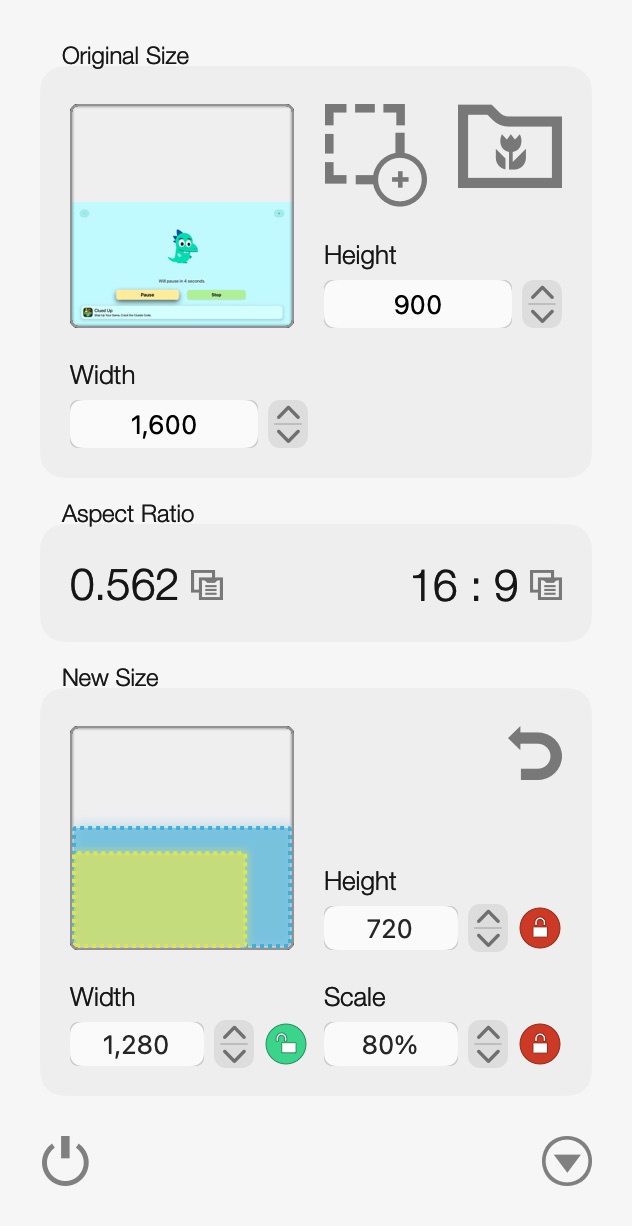

- Open it from the menu barClick its icon, or press ⌥⌃A from any app.
- Drop in an imageDrag it onto the menu bar icon. You get its width, height and aspect ratio.
- Type the width you needThe height and scale follow, so the proportions stay the same.
- Or the heightWhichever you set, the green marker shows it, and the others are worked out from it.
- Copy the ratioOne click copies it, as 16:9 or as a decimal.
- Or measure the screenDrag a box round anything on screen, and that's your original size.
New sizes
Width, height or scale
Type whichever one you know. The preview shows the original in blue and the new size in lime.
Set the widthA Musical Chairs Apple TV screenshot, resized for a web page.1,600 × 900 → 1,280 × 720 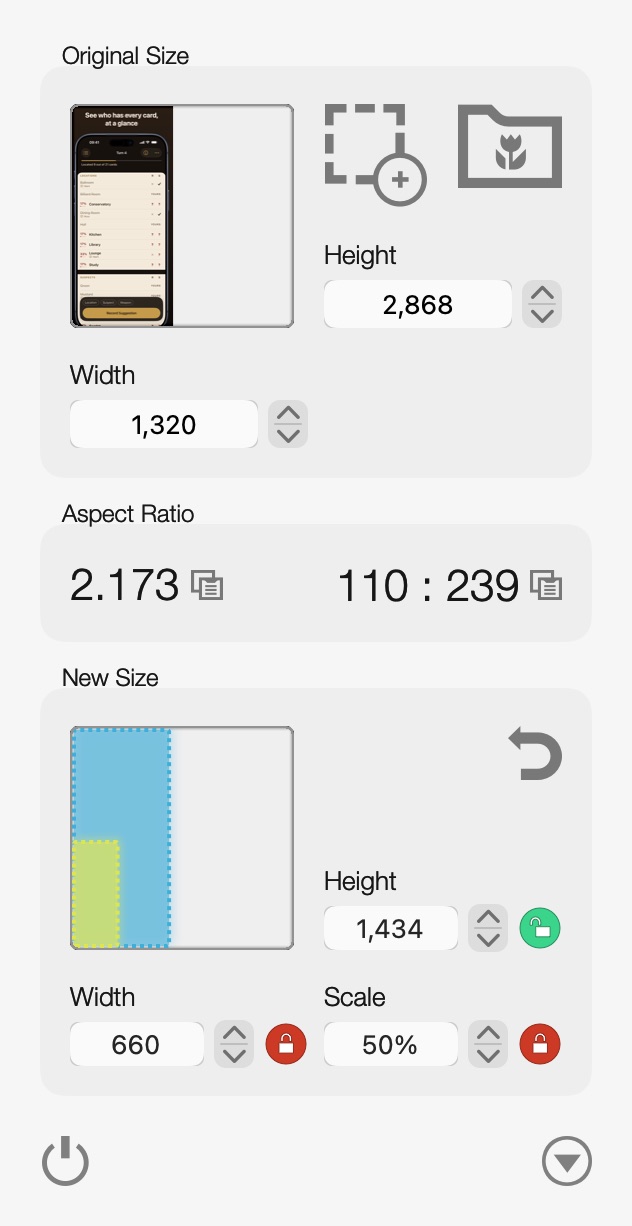
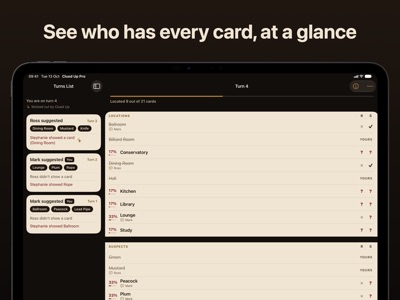
Set the heightAn iPhone App Store screenshot of Clued Up, fitted to a height of 1,434.1,320 × 2,868 → 660 × 1,434 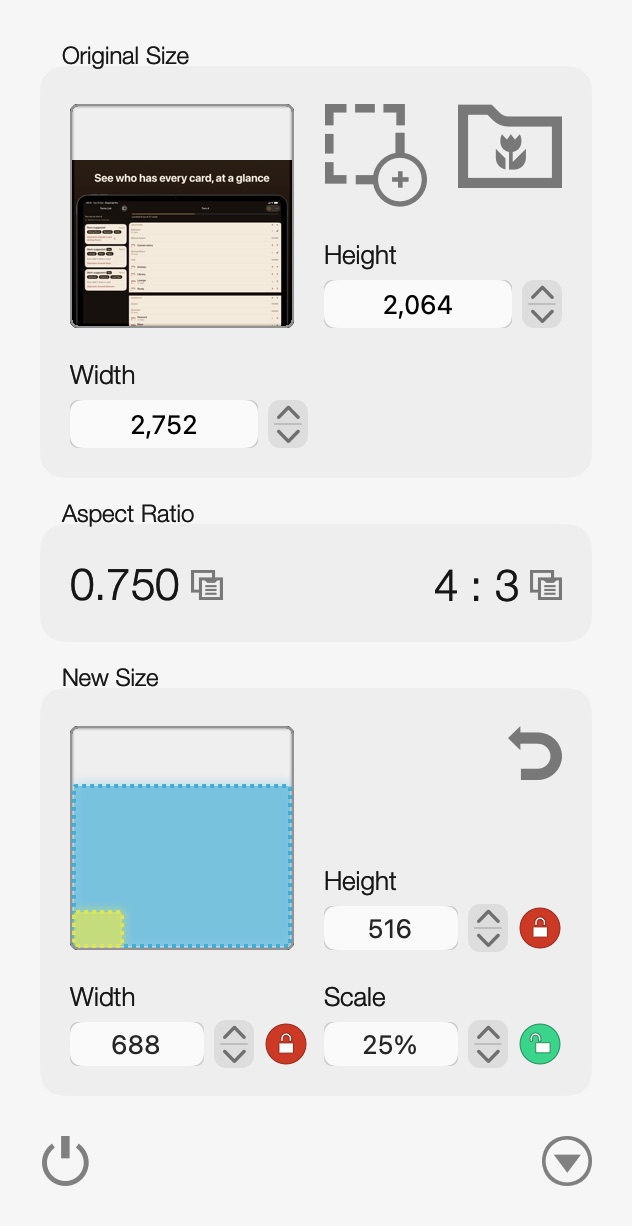
Set the scaleAn iPad App Store screenshot of Clued Up, scaled to 25%.2,752 × 2,064 → 688 × 516
The value you set Worked out for you Original size New size
The ratio
Two ways to read it
Each comes with a copy button, so it's ready to paste into your code, your design tool or a message.
16 : 9
In whole numbers
The width and height divided down as far as they'll go. Copying it gives you 16:9, without the spaces.
Odd sizes get honest answers: a 1,320 × 2,868 iPhone screenshot is 110 : 239.
0.562
As a decimal
The height divided by the width, to three places. Multiply any width by it to get the height that goes with it.
Square images are 1.000, and portrait ones come out above 1.
Features
Small, quick, always there
- In the menu barClick its icon or press ⌥⌃A, from any app. It stays out of the Dock.
- Any imageDrop it on the menu bar icon, or open a PNG, JPEG, GIF, BMP or PDF with ⌥⌃O.
- Measure the screenDrag out a box over anything on screen, from a picture on a web page to a gap in a layout.
- Or just type the sizeNo image needed. Type the original width and height, say for a video or a screen, and work from there.
- Width, height or scaleSet whichever you know and the other two follow. Use the arrows to nudge a value up or down.
- Copy the ratioAs 16:9 or as a decimal, in one click. One more takes you back to the original size.
Get it
Buy it once
Aspect Ratio Calculator
$1.99 · £1.99, a one-off purchase
- No subscription
- Measure as many images as you like
- Free updates through the Mac App Store
 Making App Store screenshots? Screenshot Creator frames them in the right device, adds your captions and exports every size App Store Connect asks for. See Screenshot Creator →
Details
- Works onMacs with macOS 10.12 Sierra or later, Intel or Apple silicon
- Version1.4.1, September 2022
- Price$1.99 (£1.99), a one-off purchase
- OpensPNG, JPEG, GIF, BMP and PDF, or any part of the screen
- Shortcuts⌥⌃A shows or hides it, ⌥⌃O opens an image
- HandyDrag the panel away from the menu bar to keep it open as a window. Open at Login is in its menu.
- Size6.9 MB
- Made byBridgeTech Solutions, in the UK